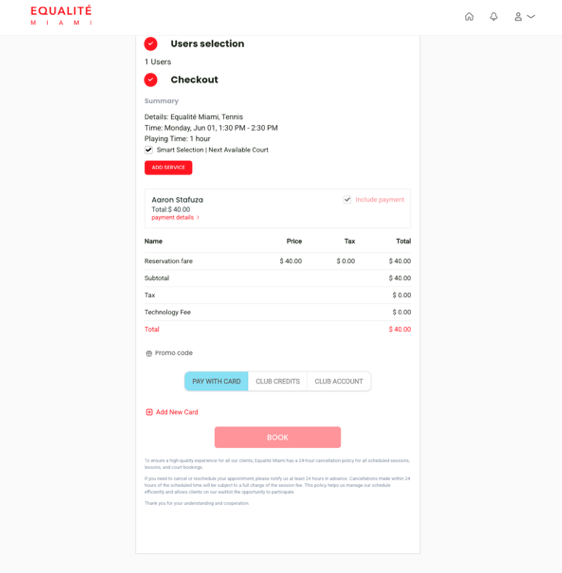
How to Sign Up
Get on court in a few steps.
Choose your path — reserve a court or enroll your child in our Kids Program.
For Adults
Reserve a court on PlayByPoint
Book one of our waterfront tennis or pickleball courts in just a few steps.
- 01Step 1
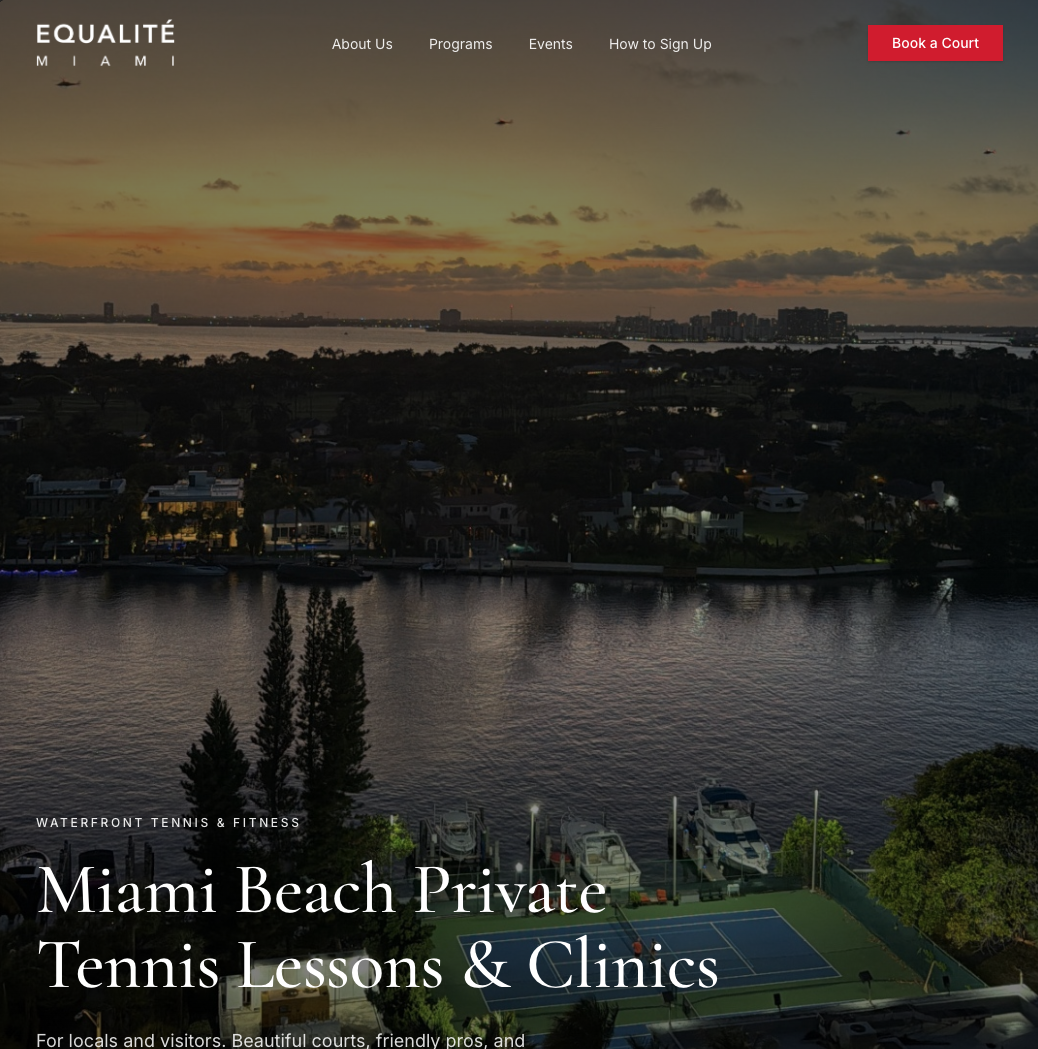
Tap on Book a Court
From the Equalité Miami homepage, tap the Book a Court button in the top navigation.
- 02Step 2
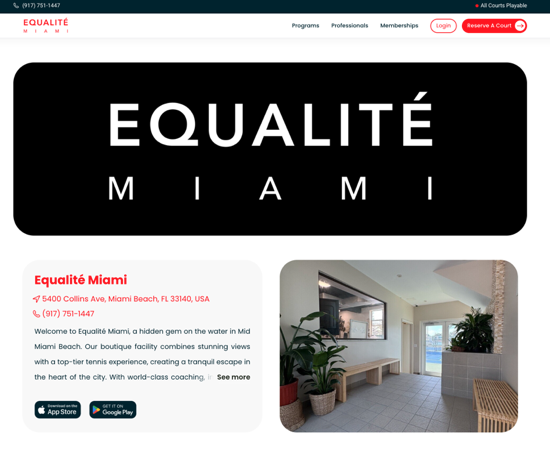
Open the reservation portal
You'll be taken to our PlayByPoint portal, where all court reservations are managed.
- 03Step 3
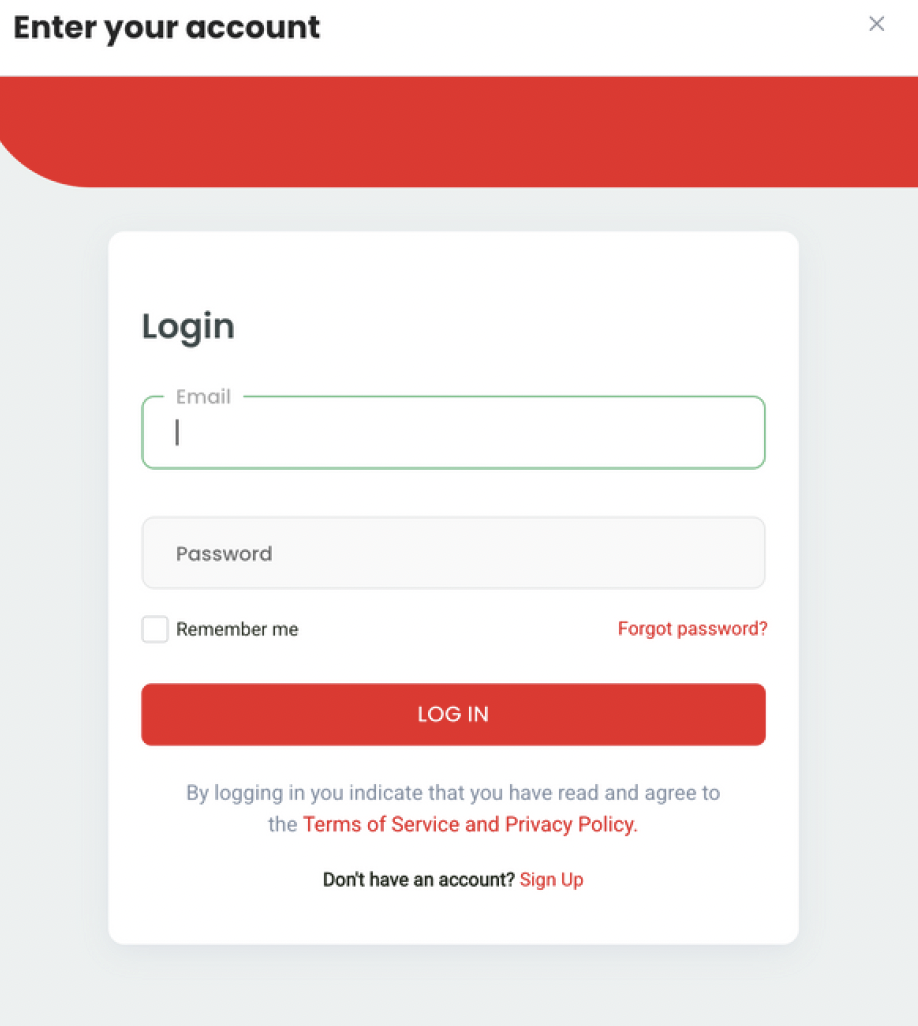
Log in or create your account
Sign in if you already have a PlayByPoint account, or register in less than a minute if it's your first time.
- 04Step 4
Start your booking
Once logged in, the booking interface lets you pick the date, court type, and time.
- 05Step 5
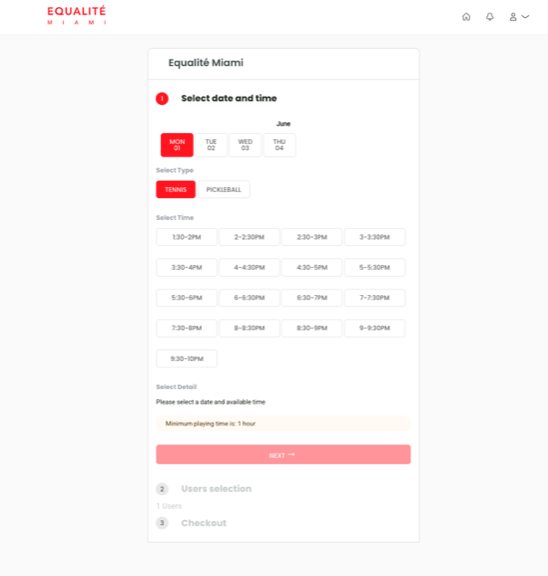
Choose date & time
Select the day and time slot that works best for your match.
- 06Step 6
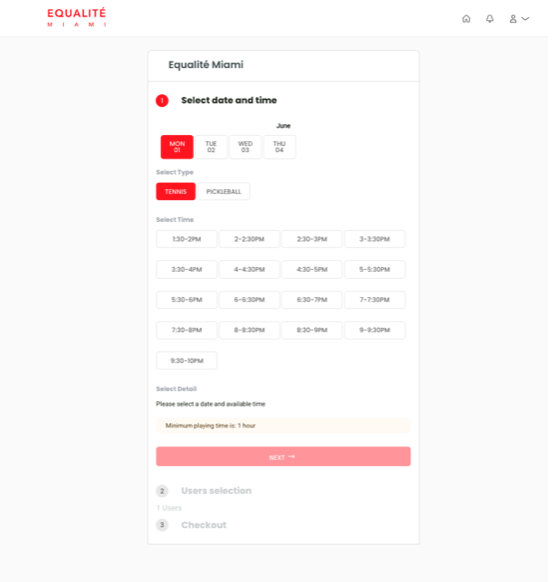
Add a payment method
Save a payment method to confirm your reservation. You're all set — see you on court!